Introduction
Every Java application eventually talks to a database.
Before JPA, Hibernate, and Spring Data existed, Java applications used JDBC directly. Even today, every ORM framework ultimately uses JDBC underneath.
Understanding JDBC helps developers:
✅ Troubleshoot performance problems
✅ Understand connection pools
✅ Tune applications
✅ Debug SQL issues
✅ Optimize transactions
✅ Understand Hibernate behavior
This article covers:
- JDBC architecture
- Driver types
- Oracle JDBC drivers
- Connection lifecycle
- PreparedStatement
- Batch processing
- Transactions
- Connection pools
- Spring Boot integration
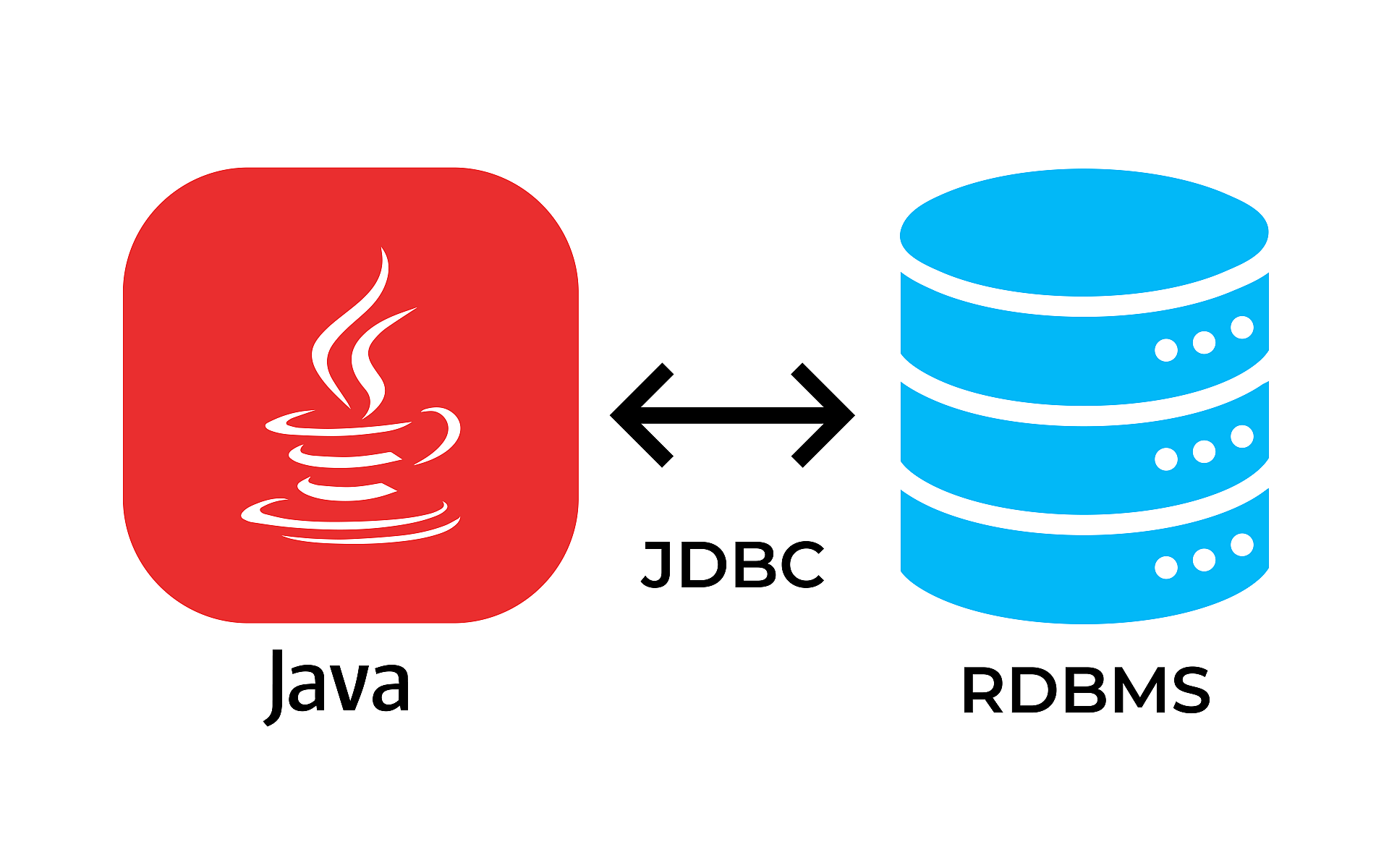
JDBC Architecture
Java Application
        ↓
JDBC API
        ↓
Oracle JDBC Driver
        ↓
Oracle Database
JDBC acts as the communication layer between Java and Oracle.
JDBC Components
| Component | Purpose |
|---|---|
| DriverManager | Creates connections |
| Connection | Database session |
| Statement | Executes SQL |
| PreparedStatement | Parameterized SQL |
| CallableStatement | Stored procedures |
| ResultSet | Query results |
JDBC Driver Types
Type 1 – JDBC ODBC Bridge
Java → ODBC → Database
Advantages:
- Simple
Disadvantages:
- Slow
- Deprecated
Type 2 – Native Driver
Java → Native Client → Database
Requires Oracle client installation.
Type 3 – Middleware Driver
Java → Middleware → Database
Rarely used today.
Type 4 – Thin Driver
Java → Oracle JDBC Driver → Database
Most widely used.
Oracle JDBC Driver
Current Oracle applications use:
oracle.jdbc.OracleDriver
Maven dependency:
<dependency>
    <groupId>
        com.oracle.database.jdbc
    </groupId>
    <artifactId>ojdbc11</artifactId>
    <version>23.4.0.24.05</version>
</dependency>
JDBC URL
Service Name
jdbc:oracle:thin:@localhost:1521/XEPDB1
SID
jdbc:oracle:thin:@localhost:1521:ORCL
Basic Connection
Connection connection =
    DriverManager.getConnection(
        url,
        username,
        password);
Statement
Statement statement =
    connection.createStatement();

ResultSet rs =
    statement.executeQuery(
        "select * from employee");
Problems:
- SQL injection
- Parsing overhead
PreparedStatement
PreparedStatement ps =
    connection.prepareStatement(
        "select * from employee where emp_id=?");

ps.setLong(1, 100L);

ResultSet rs =
    ps.executeQuery();
Advantages:
✅ Prevents SQL injection
✅ Statement caching
✅ Better performance
✅ Reusable execution plans
SQL Injection Example
Bad:
String sql =
    "select * from user where name='"
    + username + "'";
Dangerous input:
' OR 1=1 --
Always use PreparedStatement.
Reading Results
while(rs.next()) {

    Long id =
        rs.getLong("EMP_ID");

    String name =
        rs.getString("NAME");
}
Try-With-Resources
try (
    Connection con =
        dataSource.getConnection();

    PreparedStatement ps =
        con.prepareStatement(sql);

    ResultSet rs =
        ps.executeQuery()) {

}
Automatically closes resources.
Resource Leaks
Bad:
Connection con =
    getConnection();
Never closed.
Problems:
- Connection exhaustion
- Memory leaks
- Application failures
Transactions
Default:
connection.getAutoCommit();
Result:
true
Every SQL commits automatically.
Manual Transactions
connection.setAutoCommit(false);

update();

insert();

connection.commit();
Rollback
try {

    connection.commit();

}
catch(Exception e) {

    connection.rollback();
}
Batch Processing
Bad:
for(Employee e : employees) {

    insert();
}
Thousands of network calls.
Good:
PreparedStatement ps =
    connection.prepareStatement(sql);

for(Employee e : employees) {

    ps.setLong(1, e.getId());

    ps.addBatch();
}

ps.executeBatch();
Advantages:
- Fewer round trips
- Better performance
CallableStatement
Stored procedure:
CREATE PROCEDURE
GET_EMPLOYEE
(
    P_ID NUMBER
)
Java:
CallableStatement cs =
    connection.prepareCall(
        "{call GET_EMPLOYEE(?)}");
Connection Pooling
Creating connections is expensive.
Bad:
Request
    ↓
Open connection
    ↓
Close connection
Good:
Connection Pool
        ↓
Reuse connections
Why Connection Pools?
Advantages:
✅ Faster
✅ Reusable
✅ Reduced overhead
✅ Better scalability
HikariCP
Spring Boot default.
Example:
spring.datasource.hikari.maximum-pool-size=20

spring.datasource.hikari.minimum-idle=5
Important Pool Settings
| Property | Recommendation |
|---|---|
| maximumPoolSize | 10–30 |
| minimumIdle | 5 |
| idleTimeout | 300000 |
| connectionTimeout | 30000 |
| maxLifetime | 1800000 |
Pool Sizing
Formula:
Connections =
(CPU Cores × 2)
Example:
8 CPUs:
16–20 connections
Avoid:
Pool size = 200
Oracle UCP
Oracle Universal Connection Pool.
Advantages:
- Fast failover
- RAC support
- Oracle optimization
Spring Boot Configuration
spring.datasource.url=
jdbc:oracle:thin:@localhost:1521/XEPDB1

spring.datasource.username=APP_USER

spring.datasource.password=password
Spring JdbcTemplate
@Autowired
private JdbcTemplate jdbcTemplate;
Query:
List<Employee> employees =
    jdbcTemplate.query(
        sql,
        rowMapper);
Advantages:
- Less boilerplate
- Exception translation
RowMapper Example
public class EmployeeMapper
    implements RowMapper<Employee> {

    public Employee mapRow(
        ResultSet rs,
        int rowNum)
        throws SQLException {

        Employee e =
            new Employee();

        e.setId(
            rs.getLong("EMP_ID"));

        return e;
    }
}
SQLException
catch(SQLException e)
Common properties:
e.getMessage();

e.getErrorCode();

e.getSQLState();
Common Oracle Errors
| Error | Meaning |
|---|---|
| ORA-00001 | Unique constraint |
| ORA-00942 | Table missing |
| ORA-01017 | Invalid login |
| ORA-01400 | Cannot insert NULL |
| ORA-02291 | Parent missing |
| ORA-02292 | Child exists |
| ORA-12514 | Listener issue |
Fetch Size
Default:
statement.setFetchSize(100);
Benefits:
- Reduced round trips
- Faster large queries
Large Result Sets
Bad:
select * from orders;
Millions of rows.
Good:
OFFSET 0 ROWS
FETCH NEXT 100 ROWS ONLY
JDBC Best Practices
Always Use PreparedStatement
Close Resources
Use try-with-resources.
Use Connection Pools
Never create connections manually.
Use Batch Processing
Large inserts.
Use Pagination
Avoid loading entire tables.
Set Fetch Size
Large reports.
Handle Transactions Properly
Commit and rollback.
Enterprise Architecture
Controller
      ↓
Service
      ↓
Repository
      ↓
JdbcTemplate/JPA
      ↓
Connection Pool
      ↓
Oracle Database
Interview Questions
Difference between Statement and PreparedStatement?
PreparedStatement supports parameters and prevents SQL injection.
Why use connection pooling?
Connections are expensive.
Why disable auto commit?
To control transactions.
What is batch processing?
Multiple statements executed together.
Why use JdbcTemplate?
Less boilerplate code.
What causes connection leaks?
Connections not closed.
Performance Checklist
✅ Use HikariCP.
✅ Use PreparedStatement.
✅ Use pagination.
✅ Batch large operations.
✅ Set fetch size.
✅ Close resources.
✅ Use connection pools.
Summary
This article covered:
✅ JDBC architecture
✅ Driver types
✅ Oracle JDBC driver
✅ Connections
✅ PreparedStatement
✅ Transactions
✅ Batch processing
✅ CallableStatement
✅ HikariCP
✅ JdbcTemplate
✅ Exception handling
Next Article
Part 5 – JPA and Hibernate Fundamentals
Topics:
- ORM concepts
- Entities
- Tables
- Columns
- Primary key generation
- Sequences
- UUIDs
- Data type mappings
- Validation
- Lifecycle callbacks
- Auditing
- Spring Data JPA